Dataform & dbt on BigQuery with one UI
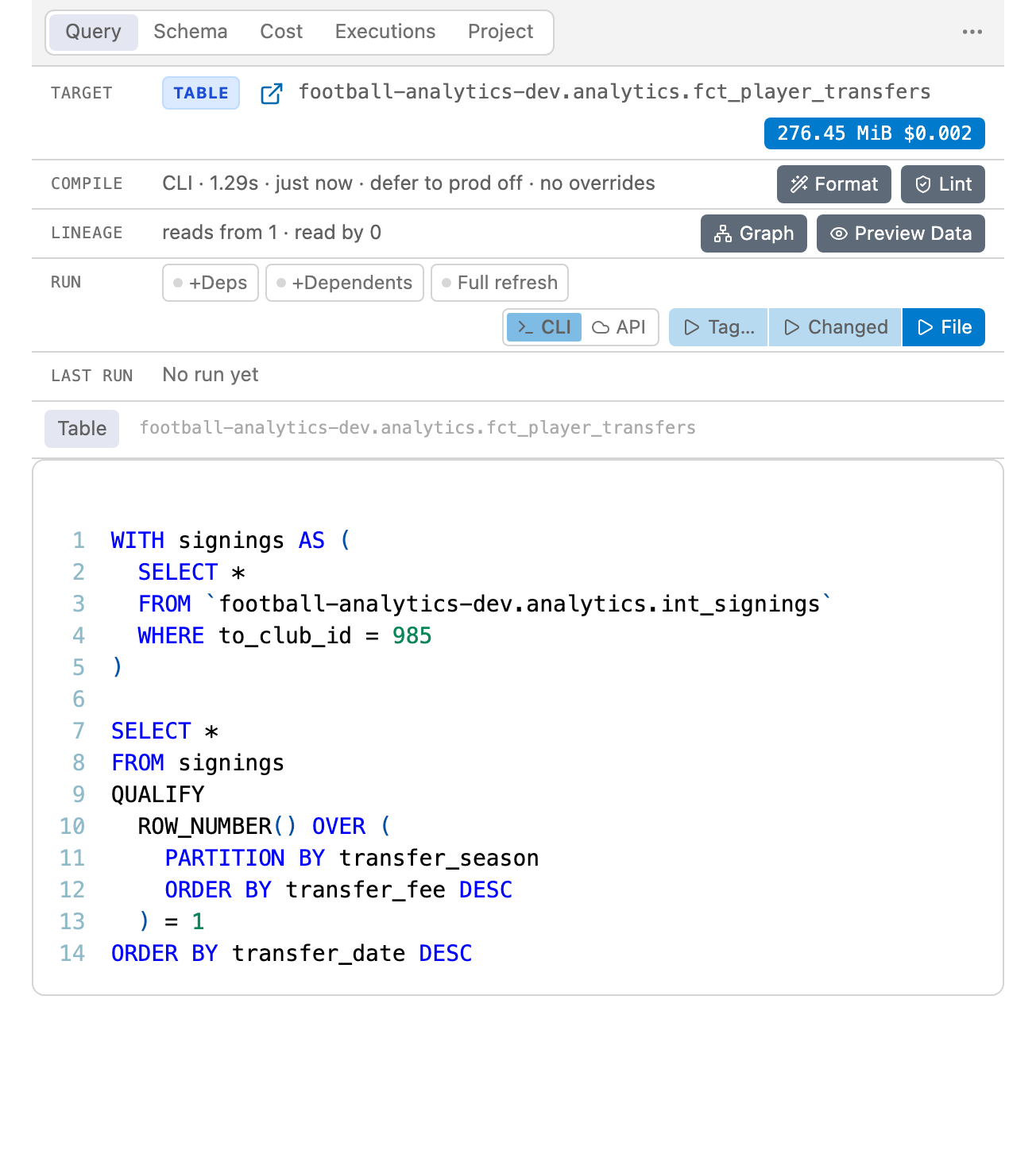
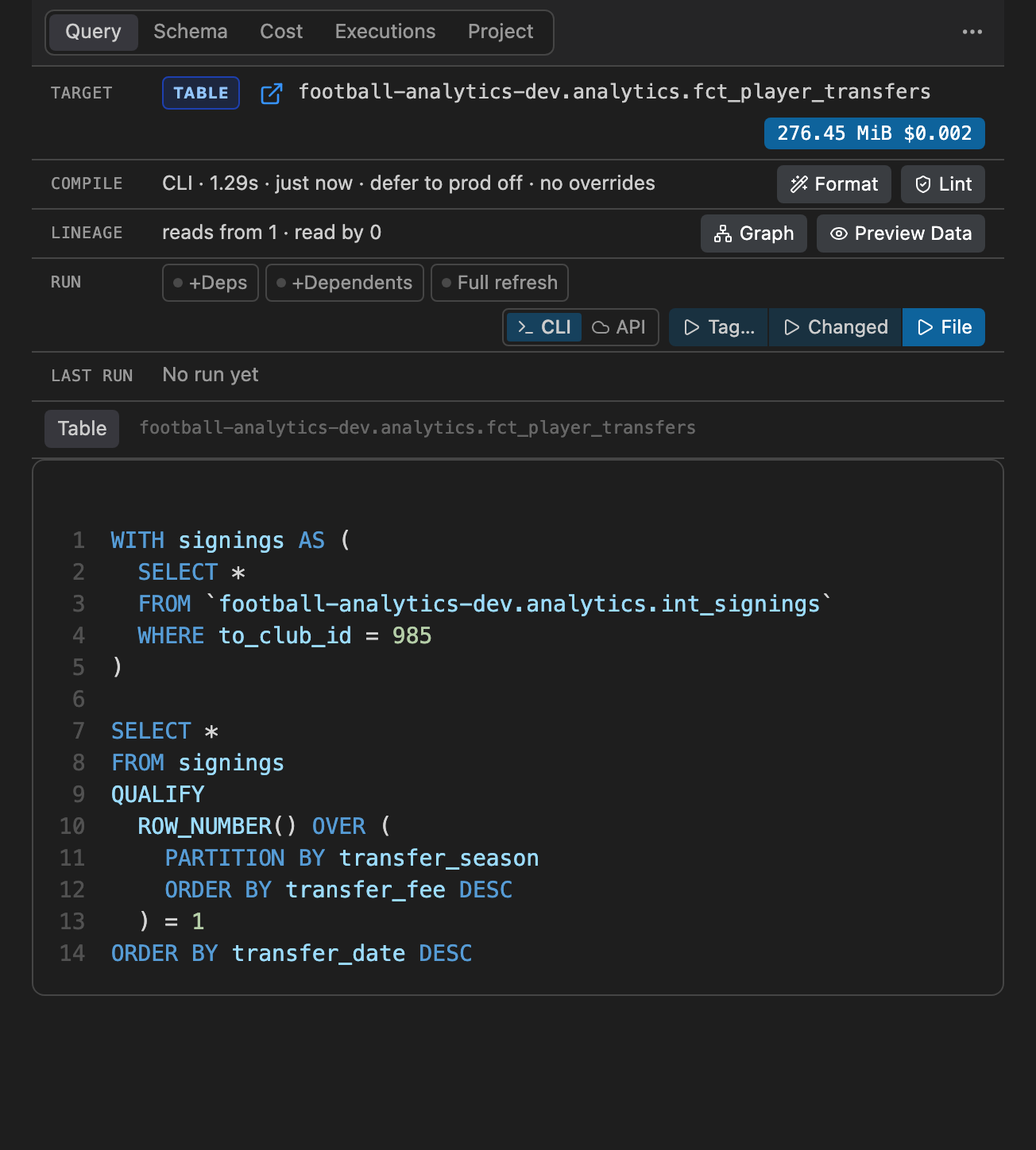
Compiled SQL, dry-run cost, schema, preview and runs on BigQuery. This is the real panel: click around.
v2.0.0: dbt projects on BigQuery, next to Dataform · Works in VS Code, Cursor, Antigravity · Dataform 2.9.x and 3.x · dbt Core 1.8+ and dbt v2 · macOS, Linux, Windows
Open source · 256 releases since Jun 2024



Develop against prod
Release 1.18.0 introduces two flagship developer superpowers: Defer to Production for zero-build local development, and Dataplex Column-Level Lineage & Impact Analysis to catch breaking downstream schema changes before they reach main.
Stop waiting for upstream builds in dev
In multi-tier ELT pipelines, building dozens of upstream raw and staging tables in your personal sandbox is slow and consumes precious BigQuery slots.
Defer to Production automatically reads unbuilt upstream dependencies directly from your production datasets during dry runs, query previews, compiled SQL views, and workflow runs.
→ prod indicators and amber ⚠ prod warnings if an upstream model is modified on your branch.// settings.json
"vscode-dataform-tools.deferToProd": true,
"vscode-dataform-tools.prodCompilerOptions": "--default-database=my-prod-project"
-- 01 · compile
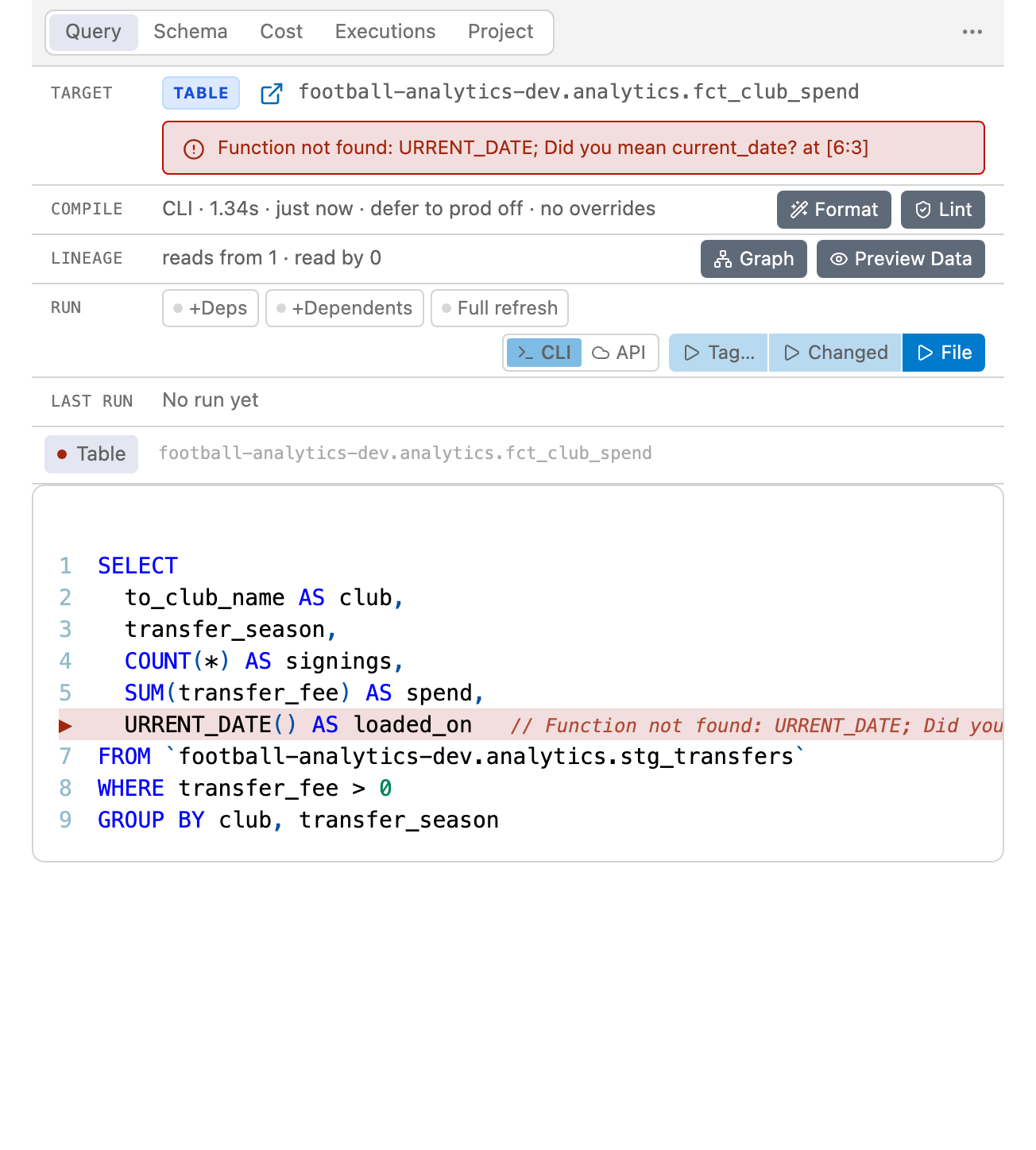
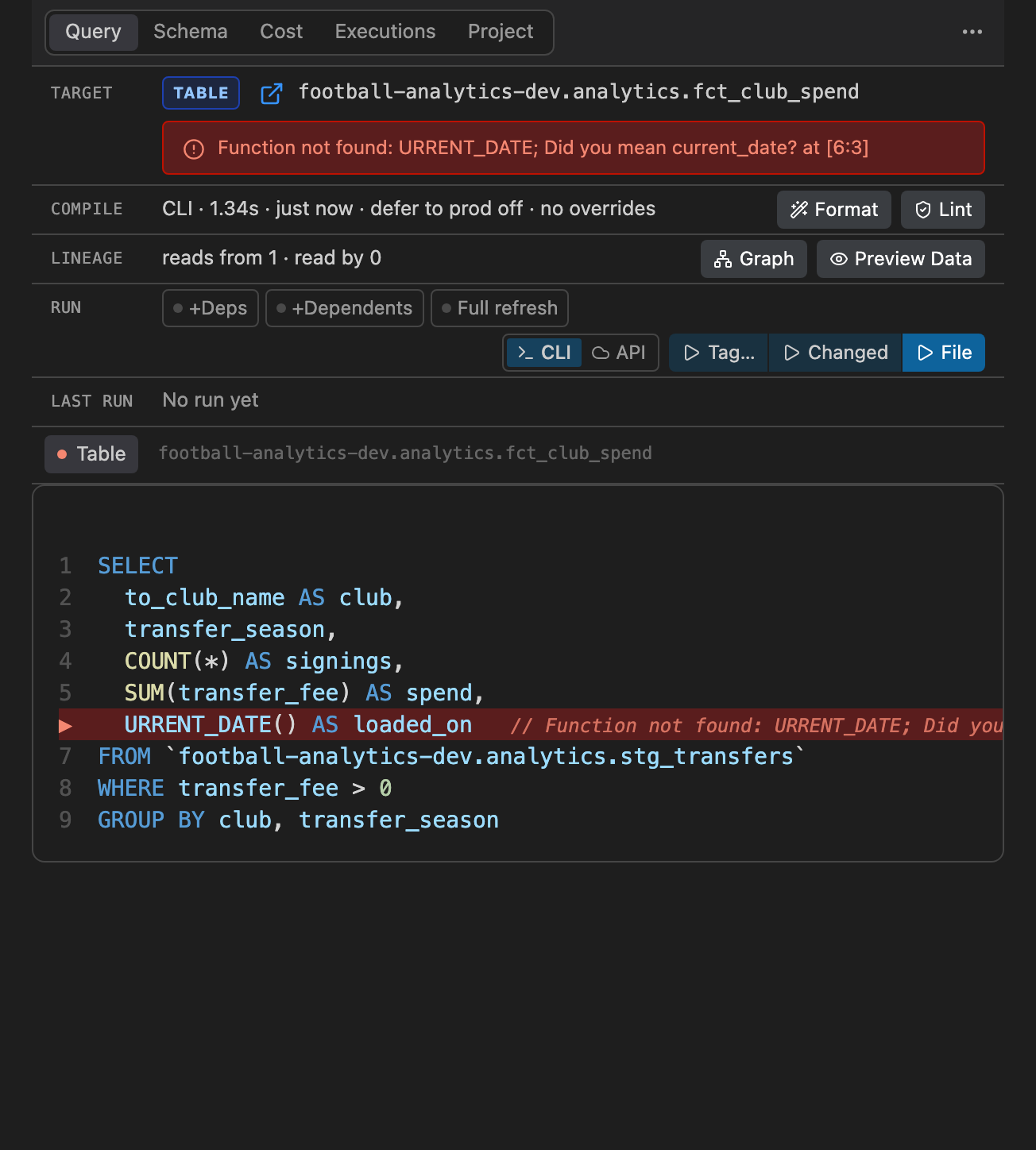
Errors, before anything runs
A dry run checks every save against BigQuery. What it rejects is marked on the line you wrote, listed in Problems and told in the panel. This file has one: it is the real panel again.
-- 02 · lineage
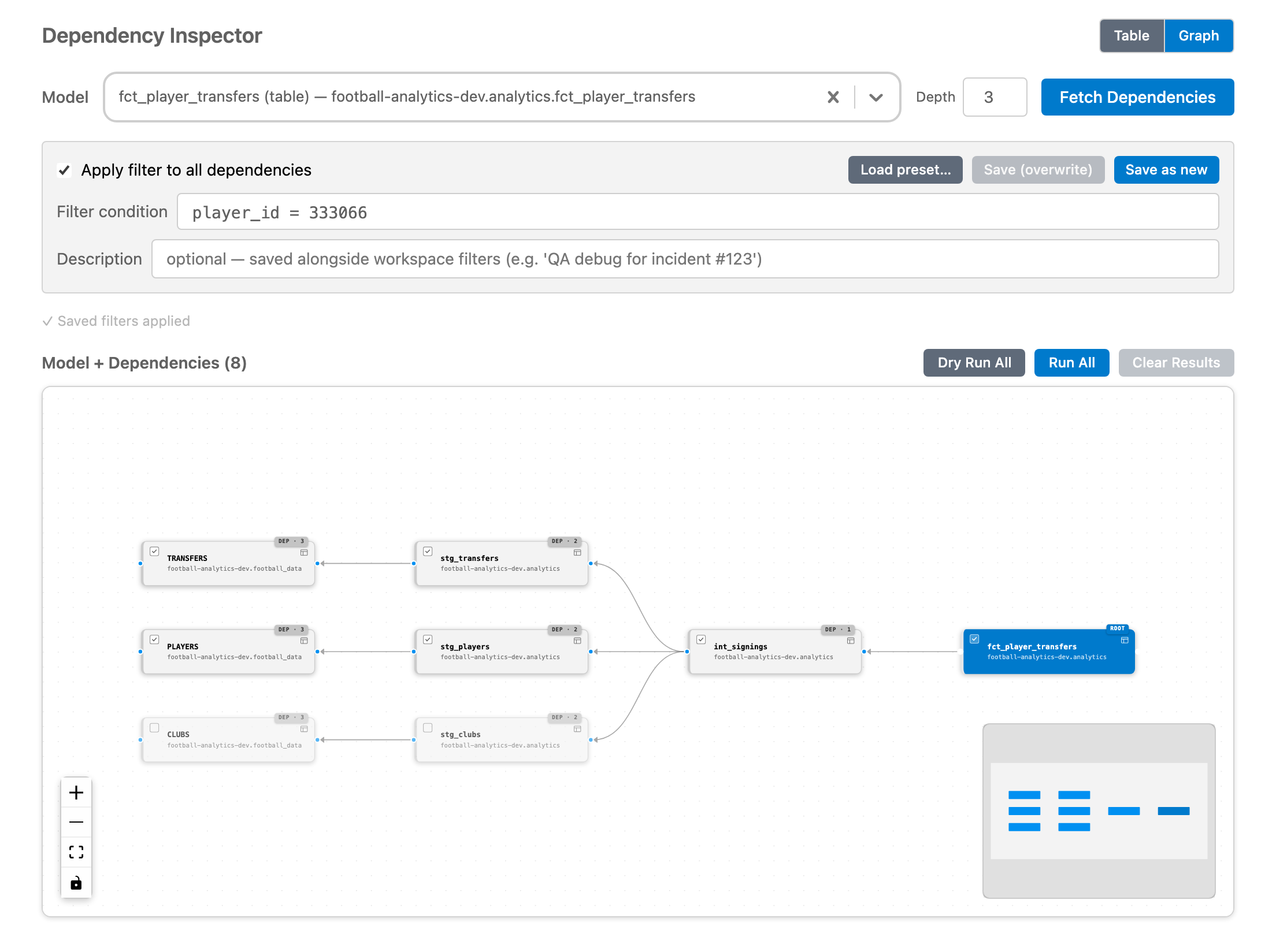
Find where a row went missing
The dependency inspector takes a model and everything it reads from, and runs one filter on all of them. The row counts on the graph show which step lost the row. Press Run All: this is the real inspector, on the model above.
-- recently shipped
Fresh off the release branch
- v2.0.14View pull request
A defer to prod hover with the dev and prod tables diffed, above the prod table's details
- v2.0.13View pull request
Show and set the prod project of defer to prod in the compiled query panel
- v2.0.11View pull request
One FROM/JOIN table list, per-file column completions, and operations with output as tables
- v2.0.10View pull request
Add a command that opens an empty scratch query
- v2.0.10View commit
Allow embed for personal website
- v2.0.10View pull request
Column and table completions: types, descriptions, STRUCT fields, and tables only after FROM

-- about the author
Built by Ashish Alex
I started Dataform Tools in May 2024 with a single feature: showing Dataform compilation errors directly on the .sqlx line I was editing. It has grown one release at a time since then, to 256 releases and counting, shaped by issues and ideas from the people who use it every day.
It's open source and maintained independently. If something is missing or broken, please open an issue.